Advance MS office Course
Learn practical skills in Word, Excel, PowerPoint, and Outlook to improve office productivity.
Course Description
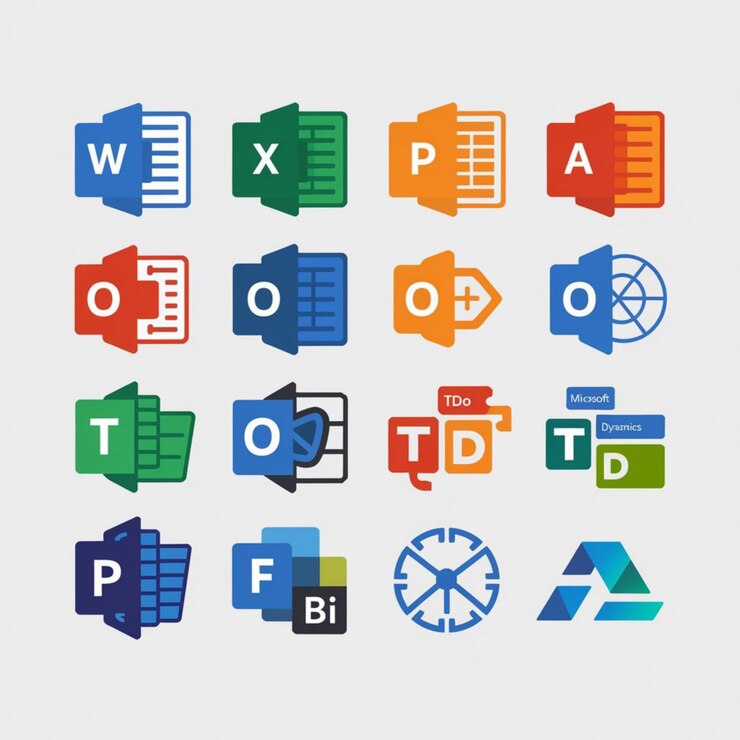
The Advance MS Office Course is designed to provide essential skills in Word, Excel, PowerPoint, and Outlook, helping students and professionals improve productivity and succeed in today’s workplace.
- Expert Training: Learn from experienced instructors.
- Hands-On Practice: Real-world exercises for practical skills.
- Complete Curriculum: Word, Excel, PowerPoint, and Outlook.
- Flexible Learning: Online and on-campus classes available.
- Certification: Receive a recognized certificate after completion.
Course Benefits
Learning Management
Advanced platform with AI-powered tools to track and enhance your learning progress.
Job Cell
Access premium career placement opportunities with leading companies.
Instructor Support
24/7 access to experienced industry experts for guidance and assistance.
NEXT Community
Join an exclusive alumni network with a global professional reach.
Internship Opportunity
Gain guaranteed real-world experience with professional placements.
Free Seminar Access
Enjoy complimentary access to premium seminars and workshops.
Course Outline
MS Word
Master document formatting, sections, tables of contents, mail merge, macros, and review tools for professional documents.
MS PowerPoint
Create engaging presentations with layouts, themes, multimedia, animations, slide master, and custom show options.
MS Excel
Learn advanced formulas, charts, dashboards, pivot tables, and data analysis tools for effective reporting.
MS Outlook
Efficiently manage emails, calendars, contacts, and automate tasks for better productivity.

Earn Your Certification
Upon completing the Advance MS office Course, you will receive an official certification from PMSTTC, validating your expertise and boosting your professional credibility in taxation.
Frequently Asked Questions
The Advanced MS Office Course teaches professional-level skills in Word, Excel, PowerPoint, and Outlook, focusing on practical tools for workplace efficiency.
Students, professionals, and anyone looking to enhance their productivity and office software skills can enroll—no prior experience required.
You will master advanced document formatting, data analysis, presentations, email management, automation, and collaboration tools for real-world applications.
Yes, the course provides hands-on exercises, real-world examples, and project-based learning to ensure practical skill development.
Yes, upon completion, you will receive a recognized certification that validates your advanced MS Office skills and boosts your professional profile.